
Step 1: Unzip The child theme package.
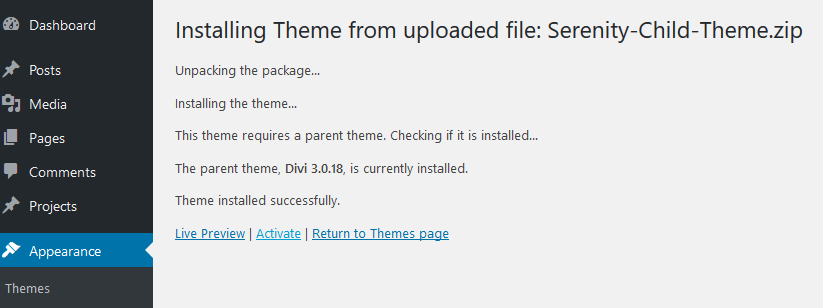
Step 2: Go to Appearance/ Themes and select the “New” button then the “Upload” Button to upload the compressed child theme folder that is inside of your child theme package.
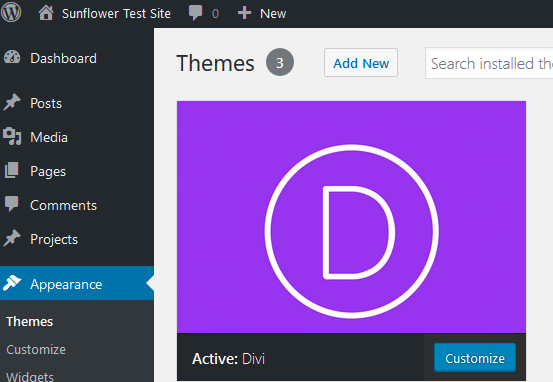
Step 3: Install & Activate.

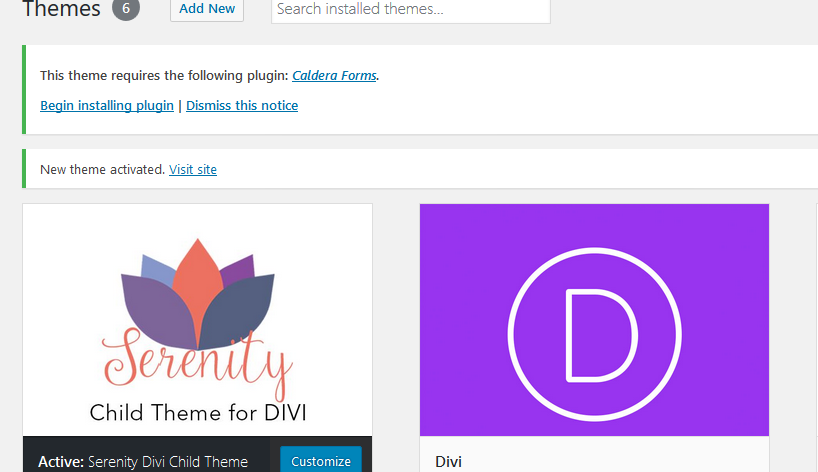
Step 4: Install & Activate Plugins – You will find the message to install required plugins at the top of your screen.
Step 5: Install Content – Go to Divi/ Import Demo Data and click the “Import” button.

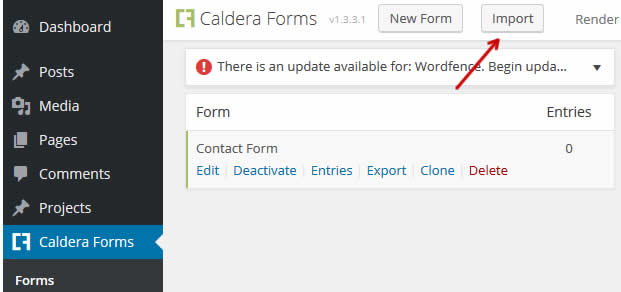
Step 6: Import your contact form. You will find the contact import file inside of your Import folder. Go to Caldera Forms /Forms and select the Import button. Name your contact form “contact form” then upload the file. Save Form.
Step 7: Change Copyright & Main Footer – The Main Footer area is the section with the address, logo and office hours near the bottom of the page. You can make changes to both the Main Footer and the Copyright section from the Divi Library ( Divi > Divi Library). These are global sections saved as Main Footer & Footer Copyright.

Installation Completed.