Step 1: Unzip The child theme package.
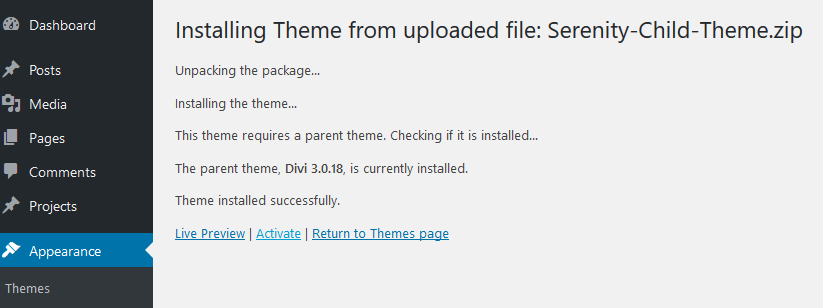
Step 2: Go to Appearance/ Themes and select the “New” button then the “Upload” Button to upload the compressed child theme folder that is inside of your child theme package.
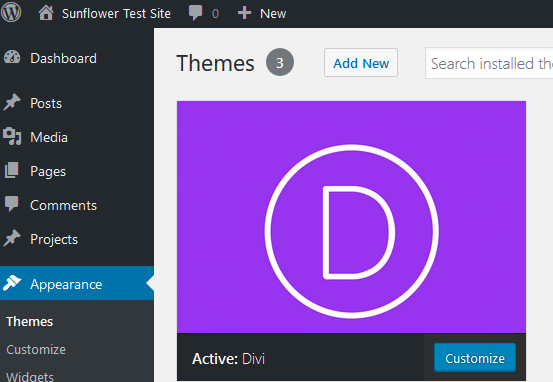
Step 3: Install & Activate.

Step 4: Install & Activate Plugins – You will find the message to install required plugins at the top of your screen.
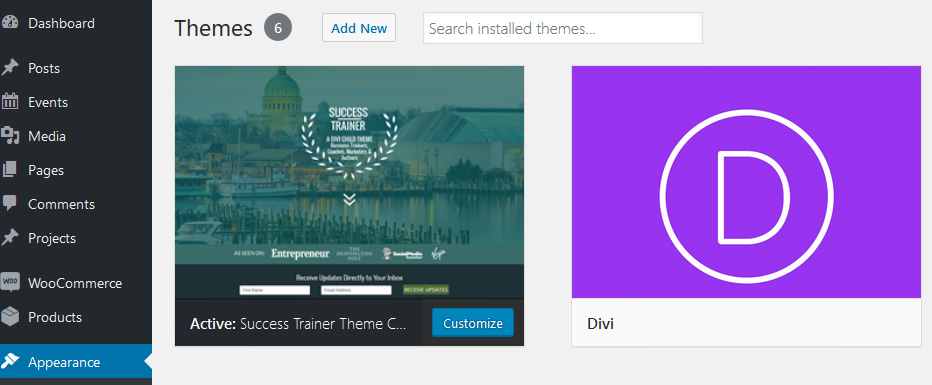
Step 5: Install Content – Go to Divi/ Import Demo Data and click the “Import” button.

Installation Completed.